QR Code Scanner Complete Guide
Scan any QR code instantly using your camera or an image
📌 What is QR Code Scanner?

The QR Code Scanner reads QR codes directly in your browser using your device camera or an uploaded image, instantly revealing the encoded link, text, or contact information.
⚡ No app installation needed — scanning works right in your browser.
📊 What You Can Scan
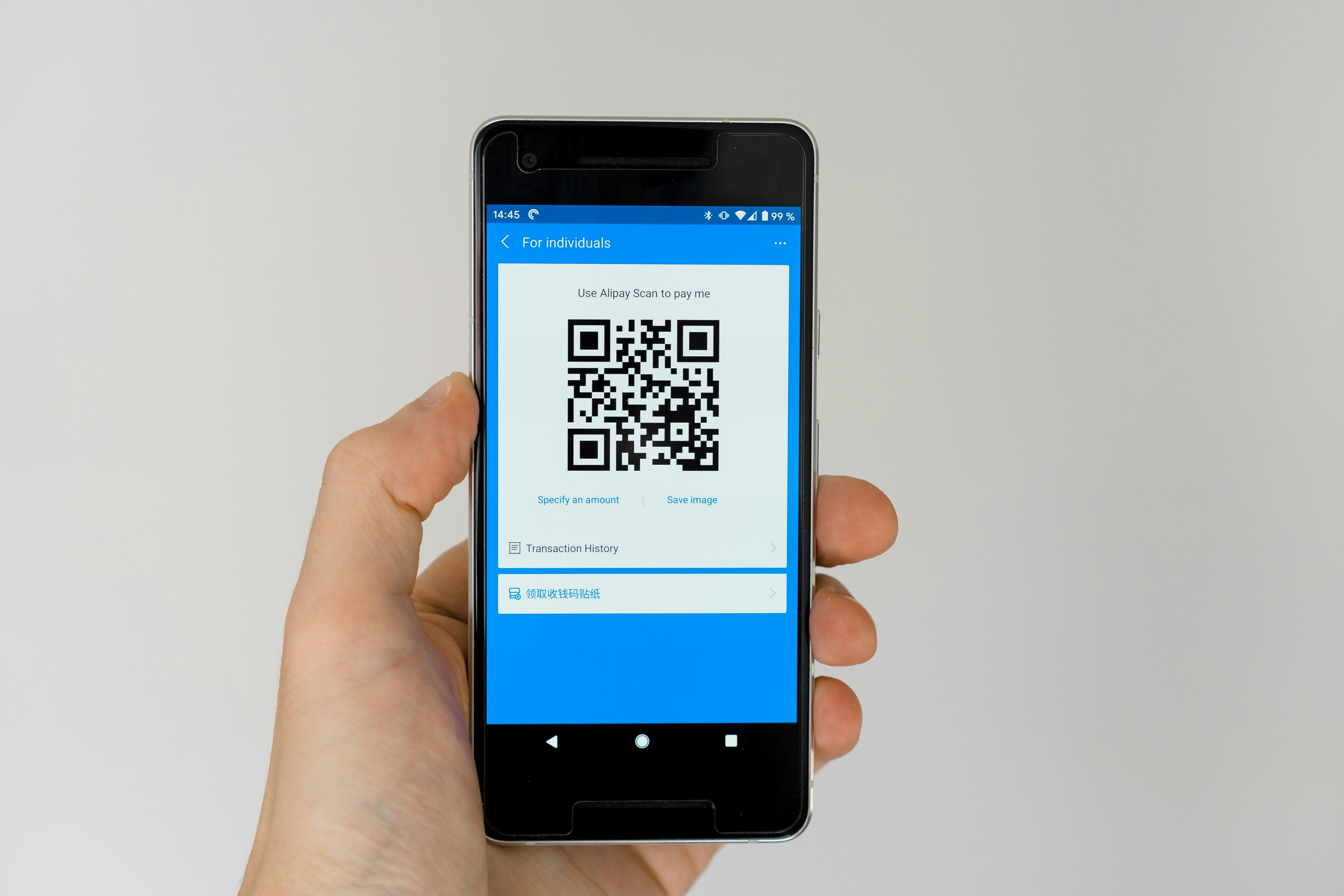
- Website links and URLs
- Plain text and messages
- Contact details (vCard)
- Wi-Fi credentials and payment codes
📈 Common Uses
- Scanning codes from posters or packaging
- Quickly opening links shared via QR
- Reading contact or Wi-Fi codes
- Verifying QR code content before opening
⚙️ How to Use QR Code Scanner
- Open the QR Code Scanner tool
- Allow camera access or upload a QR image
- Point your camera at the QR code or select the image
- View the decoded result instantly
✨ Advantages
- Fast, browser-based scanning
- No installation or signup required
- Works with camera or uploaded images
- Free to use on mobile and desktop
⚠️ Limitations
- Requires camera access for live scanning
- Scan accuracy depends on image clarity
❓ Frequently Asked Questions
Do I need to install an app to scan QR codes?
No, the scanner works directly in your browser.
Can I scan a QR code from an image file?
Yes, you can upload an image instead of using the camera.
Is the QR Code Scanner free?
Yes, it is completely free with no signup required.