QR Code Generator & Scanner Complete Guide
Create and scan QR codes for URLs, contacts, and more
📌 What is QR Code Tools?
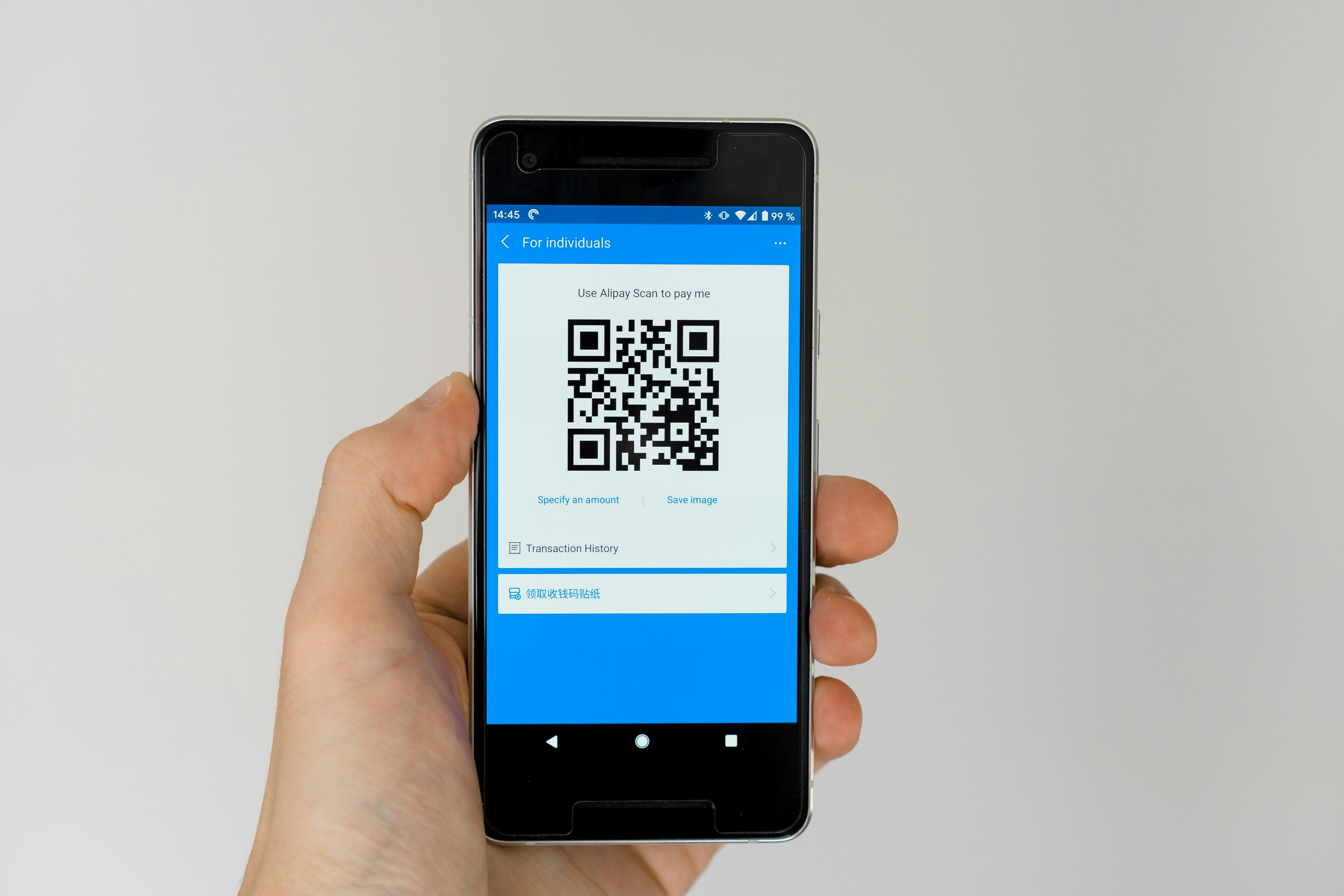
ToolNish offers both a QR Code Generator and a QR Code Scanner. The Generator creates scannable codes for URLs, text, or contact details, while the Scanner reads QR codes instantly using your camera or an uploaded image.
⚡ QR codes are a fast, contactless way to share links, contact info, or messages.
📊 What You Can Encode

- Website URLs and links
- Plain text or messages
- Contact details (vCard)
- WhatsApp numbers and Wi-Fi credentials
📈 Common Uses
- Sharing business or event links
- Digital menus and marketing materials
- Quick contact sharing
- Scanning codes on packaging or posters
⚙️ How to Use QR Code Tools
- Open the QR Code Generator or Scanner tool
- For generating: enter your text or URL and click Generate
- For scanning: upload an image or use your camera
- Download or copy the QR code, or view scanned results instantly
✨ Advantages
- Free QR generation and scanning
- No installation or signup required
- Works on mobile and desktop
- Fast, secure processing in-browser
⚠️ Limitations
- Scanner accuracy depends on image quality
- Very long text may create dense, harder-to-scan codes
❓ Frequently Asked Questions
Can I generate a QR code for a WhatsApp number?
Yes, you can encode WhatsApp links along with URLs, text, and contact info.
Do I need an app to scan QR codes?
No, the QR Code Scanner works directly in your browser.
Are the QR codes free to download?
Yes, generated QR codes can be downloaded for free.